
Customer.io Black Friday: set rate limits and message limits before you add volume
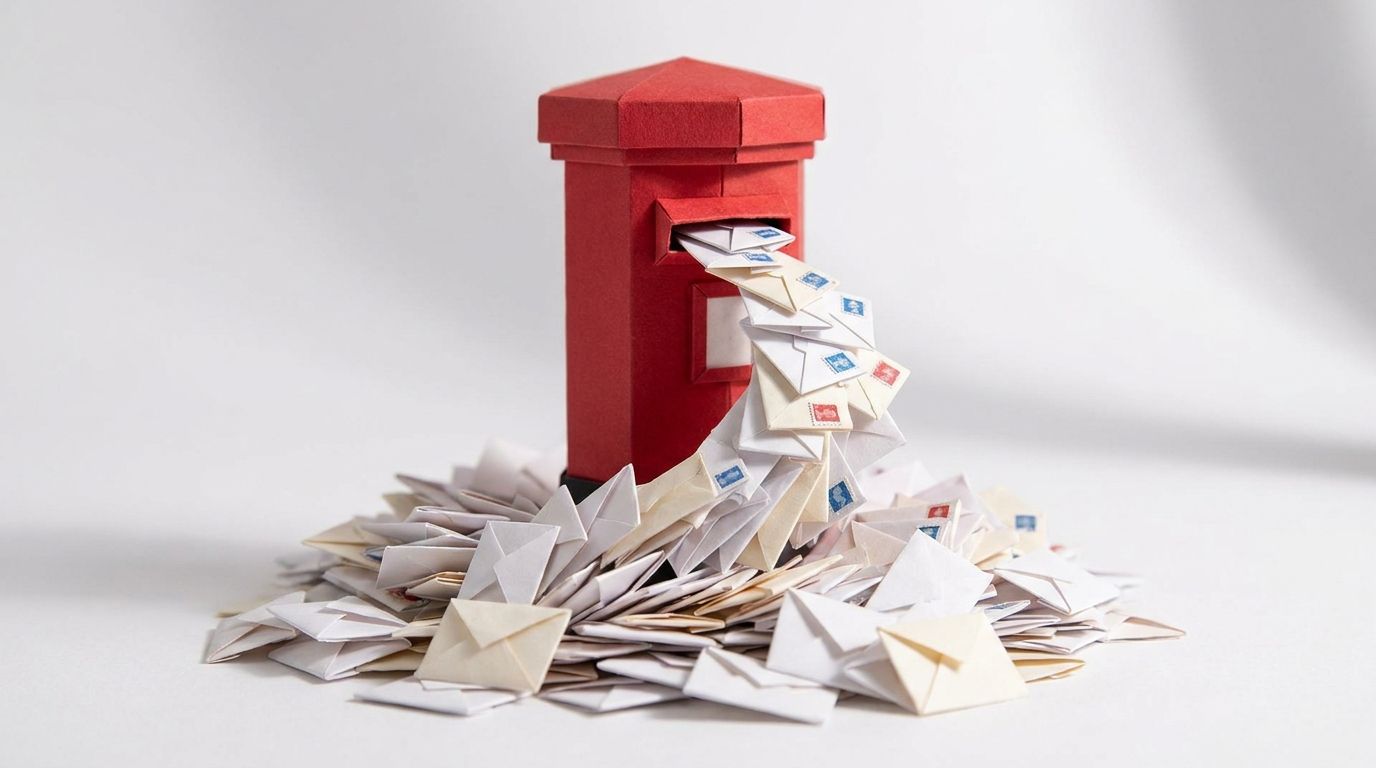
On 14 November 2016, an IT contractor in Croydon sent a blank email titled "test" to a distribution list called CroydonPractices (The Register). The list was apparently misconfigured, and NHS Digital said 840,000 accounts were affected (The Guardian).
The test email broke nothing. The replies did. People hit "reply all" to complain or ask to be removed, and each reply went to the whole list again. By late morning The Register had been told of 70 or 80 replies, and work emails were delayed by at least three hours. One statistician's estimate was at least 186 million emails (The Guardian).
No single message did the damage. Many people each hit reply all, every reply small on its own, and together they jammed the system. Black Friday week does the same to a Customer.io workspace, except the replies are automations.
TL;DR: Black Friday 2026 falls on Friday 27 November, with Cyber Monday on 30 November. Peak-week damage comes from cart, browse, price-drop and back-in-stock automations hitting the same shopper on the same day, not from the broadcast you planned. Customer.io has two controls for that, and both are off until you set them. An automation rate limit (shipped 6 August 2026) paces one automation at 1 to 60,000 messages per minute per channel. A channel-based message frequency limit (shipped 20 July 2026) caps messages per person and marks the rest Undeliverable. Set both by Monday 2 November, run them for three weeks, and accept that some messages will be skipped on purpose.
The damage comes from collisions, not the broadcast
Everyone sends more in peak week. Over Black Friday to Cyber Monday 2025, Klaviyo says it delivered more than 22.7B messages. That was up 25% on the year before (Klaviyo press release).
The broadcast is the one send you control. The automations surprise you, because shoppers browse, abandon carts and return more often in peak week, and each action can start an automation.
| Automation | What it does in peak week |
|---|---|
| Cart abandonment | Fires more often, as more people fill carts while comparing |
| Browse abandonment | Fires on every comparison-shopping visit |
| Price drop | Fires for every watcher of every product, the moment you discount |
| Back in stock | Fires for a whole waitlist when stock lands |
| Promotional broadcasts | One a day, sometimes more |
| Post-purchase cross-sell | Fires on broadcast orders while the other flows are still running |
Each was tested alone, at normal traffic. Nobody owns the total. A shopper who viewed three discounted products and left a cart can be in five automations by lunch.
Customer.io does not stop that by default. The automation rate limit is "a per-automation setting, not a workspace cap" (automation settings). And "By default, limits don't apply to any of your messages" (set up message limits). Until you set them, your peak-week ceiling is whatever your automations happen to produce.
Rate limits delay, message limits skip
A rate limit decides how fast one automation sends. A message frequency limit decides how often your workspace can message one person (automation settings). One-time sends have a third control.
| Automation rate limit | Message frequency limit | One-time send rate limit | |
|---|---|---|---|
| Protects | Sender reputation, downstream systems | The person receiving | Sender reputation, downstream systems |
| Scope | One automation, per channel | One person, across every workflow assigned the limit | One broadcast |
| Setting | 1 to 60,000 messages per minute | A count per channel or shared, over up to 31 days | Fixed rate or daily ramp |
| Over the limit | Messages wait in a backlog | Undeliverable, or Attempted with retries on | Messages queue for later batches |
| Shipped | 6 August 2026 | Channel-based since 20 July 2026 |
What a rate limit does to a message
The 6 August 2026 release adds a per-channel rate limit to automations and API-triggered broadcasts (release note). It covers email, SMS, push and webhooks, and Twilio SMS and WhatsApp share the SMS limit (automation settings).
Messages over the limit build up as a backlog. The Workspace performance dashboard names the automation and says its messages "are going out at the rate you configured" (workspace performance dashboard).
By default the person does not wait. "If a message isn't sent due to a rate limit, people still continue forward in your workflow" (automation settings). Isn't sent here means not yet: the dashboard and the edit-live page both describe a backlog that drains at your rate. The Wait before continuing journey setting holds people for up to 24 hours (automation journeys). Our post on automation rate limits covers the 24-hour wait in detail.
What a message limit does to a message
A message frequency limit counts deliveries per person. A workflow that tries to send to someone at the limit records the message as Undeliverable, unless you turned on a retry window (message frequency limits). The person moves on. That message is gone, and that is the point.
The 20 July 2026 release made limits channel-based, with shared limits and a time frame of up to 31 days instead of 7 (release note). Our guide to channel-based message limits walks through the setup.
How should you set automation rate limits for peak week?
Customer.io's domain-warming guide states the rule: "Any future volume increase greater than 1.5x your established daily average should be treated as a new warm-up event and ramped accordingly." It adds that this applies to "peak season automations" (domain warming).
Gmail's sender guidelines warn that "immediately doubling previously sent volumes suddenly could result in rate limiting or reputation drops" (Gmail sender guidelines). Peak week is when volume doubles without anyone deciding it should.
Work out the ramp
This is worked arithmetic, not a measurement. Say your normal day is 20,000 emails and your Black Friday forecast is 60,000, three times your average. The warm-up guide says never exceed 1.5x the previous stage and hold each stage for about three days. So you step 20,000, 30,000, 45,000, then 60,000. Three steps at three days each is nine days, so a 3x peak starts its ramp by Wednesday 18 November. Each further 1.5x step adds three days.
Then cap each automation
Again as arithmetic: 100 emails a minute is at most 6,000 an hour and 144,000 over the 1,440 minutes in a day. A back-in-stock automation that drops 30,000 people in at once, capped at 500 a minute, takes an hour to drain.
Your workspace ceiling is the sum of your caps plus your broadcasts. If that total is far above your ramped daily volume, the caps protect nothing. The warming guide also recommends throttling the hourly rate, because a short burst "looks very different to inbox providers" from the same volume spread across the day. A per-minute cap does that job.
Do not lift a cap to catch up
Customer.io says a rate-limit increase "takes effect immediately", and a backlog then goes out as "a sudden burst in sent messages" (edit live workflows). Raising the cap at 9 a.m. on Black Friday creates the spike it was there to prevent. Decide your caps in advance and leave them.
Give every broadcast a limit, even a generous one
One-time sends have their own Limit send rate setting (one-time sends). Set one on every Black Friday broadcast, even a high one. You can edit the rate while a send is going out, which is how you slow down if deferrals appear. But "You can't add a rate limit if the message is sending as fast as possible with no limit." No limit at launch means no brake later.
Watch one trap with timezone sending and a daily fixed rate. Messages outside the hour-long local window or over the cap "are punted to the next day at the same local time in their timezone." Set the daily cap too low and part of your Black Friday email lands on Saturday.
Which messages should a Black Friday frequency cap skip?
A frequency cap decides which message a shopper does not get. Make that choice in October, not on Black Friday by accident.
Exempt what customers need. Transactional messages are not capped unless you assign a limit. Customer.io's own example leaves limits off transactional messages that "send order confirmations" (message frequency limits). Do not move promotions onto the transactional API to dodge a cap either: it "should not be used to send marketing blasts" (transactional FAQ).
Protect the flow that earns the most. Messages inherit the workflow's limit, but you can override any one of them. A message set to ignore limits sends regardless, and "This message does not count towards any message limit" (message frequency limits). For most ecommerce brands, that should be the first cart abandonment email. When we built Slimfy's cart abandonment programme, a 9-part sequence brought in an additional $27,000 a month. Let later reminders count; protect the first.
Count the promotions. Assign the limit to broadcasts, browse abandonment, price-drop alerts and cross-sell. Limits combine. A shared limit of 3 emails and SMS a week, plus 1 push a week, allows 4 a week at most (set up message limits).
Remember the window rolls. A daily limit is not a calendar day. Customer.io measures it as the time between delivery timestamps (message frequency limits). With a limit of two emails a day, two emails on Thursday evening can block your Black Friday launch email on Friday morning. Plan Thursday with that in mind, or exempt the launch.
Be careful with retries
A retry window, up to 48 hours, holds a blocked message as Attempted and sends it when a slot opens. It works only for automations and API-triggered broadcasts. Leave it off for peak-week promotions, for two reasons.
First, a flash-sale message retried a day later can arrive after the sale ends. Second, retries ignore exits: Customer.io retries blocked messages "even if a person exited the automation the message came from" (set up message limits). Someone who bought, and left through your exit condition, can still get the reminder. Where you do use retries, make the window at least as long as the limit's time frame.
When is this not worth the effort?
- Your peak is under 1.5x your normal day. By Customer.io's own guidance, that is not a new warm-up event. Rate limits still help on webhook actions that call your own systems.
- One automation sends almost everything. If peak week is one broadcast and one cart flow, sequence them by hand.
- The message is one-to-one and time-critical. Do not rate-limit or cap order, shipping or account messages.
Two thresholds make this more urgent, not less. Over 5,000 messages a day to Gmail accounts, you fall under Gmail's bulk-sender rules, including one-click unsubscribe and a spam rate below 0.3% (Gmail sender guidelines). Crossing 0.3% can cost you Gmail's mitigation support until you are back under it for seven consecutive days (Google Postmaster Tools). Aim for 0.1%, as our Gmail spam rate guide explains.
And if you are warming a new sending domain, finish that before November. Our posts on daily ramp and sending subdomains cover the order of work.
The pre-peak checklist, week by week to 27 November
Message limit changes take effect "within minutes" (set up message limits), so the deadline is about weeks of real data, not setup time.
| Week starting | What to do |
|---|---|
| Monday 19 October | List every automation that can message a shopper, with its channel and trigger. Set up Google Postmaster Tools and record your spam rate and normal daily volume. |
| Monday 26 October | Decide your priority order. Exempt transactional and the first cart abandonment email. Create the frequency limits and assign them to every promotional workflow. Set rate limits on every automation sending email, SMS, push or webhooks, then add up the caps. |
| Monday 2 November | Both limits live. Turn on Wait before continuing journey where a branch or send-event chain depends on a send. Keep retries off for time-limited offers. |
| Monday 9 November | Review a week of Undeliverable messages. If the cap blocks more than expected, loosen it now. Start early-access sends to engaged segments. |
| Monday 16 November | Start the volume ramp: for a 3x peak, by Wednesday 18 November; add three days for each further 1.5x step. Freeze new automations. Give every Black Friday broadcast a rate limit. |
| Monday 23 November | Watch, do not tinker. Check alerts, Undeliverable reasons and Postmaster Tools daily. |
| Monday 30 November | Cyber Monday. Afterwards, relax the peak caps and review what was skipped. |
How do you watch it on the day?
The Workspace performance dashboard. Its alerts name the automation behind a rate-limit delay. They also say when messages that are not rate-limited are running slow, which is the case to escalate (workspace performance dashboard). Our guide to the dashboard covers the rest.
Message activity. Filter for Undeliverable and expand a row. A message stopped by a frequency limit carries a reason like "Sending delivery would exceed frequency cap" (review blocked messages). The Usage count in your limit settings shows every workflow observing each limit.
Postmaster Tools, with a lag in mind. Customer.io cannot see Gmail spam complaints. Postmaster Tools data can lag 24 to 48 hours (Google Postmaster Tools). A spike on Sunday may belong to Friday. If deferrals start, slow the broadcast, not the automations: Gmail's advice is to "reduce the sending volume until the SMTP error rate decreases" (Gmail sender guidelines).
Most of this is a week of setup in October and the discipline to leave it alone in November. If you want a second pair of eyes on your peak-week caps, send us an enquiry.
Frequently asked questions
When is Black Friday 2026?
Black Friday 2026 is Friday 27 November, followed by Cyber Monday on Monday 30 November (timeanddate, Cyber Monday). The UK date is the same (NationalWorld).
Can Customer.io automatically throttle sends during Black Friday peak traffic?
Customer.io throttles only at the rates you set; there is no workspace-wide automatic cap. You set rate limits per automation and channel, and per one-time send (automation settings). Per-person caps come from message frequency limits you assign.
Does a Customer.io rate limit skip messages or delay them?
Customer.io's docs describe rate-limited messages as a backlog that goes out at the rate you configured. The person moves on without waiting, unless Wait before continuing journey holds them, for up to 24 hours (automation journeys). Skipping is what a message frequency limit does.
What is the difference between a rate limit and a message frequency limit in Customer.io?
A rate limit controls how fast one automation sends; a message frequency limit controls how many messages one person receives (automation settings).
Do Customer.io message frequency limits apply to transactional messages?
Only if you assign one, through the Assign message frequency limit? toggle (set up message limits). Transactional messages cannot retry automatically, so a blocked one stays Undeliverable unless someone resends it.
Should I turn on automatic retries for Black Friday messages?
Leave retries off for time-limited offers. A retry can wait up to 48 hours, and fires even after a person has exited the automation (set up message limits).
How much can I increase email volume for Black Friday without warming up?
Up to 1.5x your established daily average; Customer.io treats anything above that as a new warm-up event, including peak season (domain warming).
Which channels can't be rate limited in Customer.io?
WhatsApp, in-app, LINE and Slack messages cannot take an automation rate limit, unless you send WhatsApp through Twilio, where the SMS rate limit covers it (automation settings). Message frequency limits cover WhatsApp and LINE, but not in-app, inbox or Slack messages.
Sources
- Customer.io, Control how fast your automations send messages, 6 August 2026.
- Customer.io, Set up channel-based message limits, 20 July 2026.
- Customer.io, Automation concepts and settings.
- Customer.io, Automation journeys.
- Customer.io, Edit workflows in live automations.
- Customer.io, Message frequency limits.
- Customer.io, Set up message frequency limits.
- Customer.io, Review and retry blocked messages.
- Customer.io, One-time sends.
- Customer.io, Workspace performance dashboard.
- Customer.io, Transactional messages FAQ.
- Customer.io, Domain warming.
- Customer.io, Google Postmaster Tools.
- Google, Email sender guidelines.
- Klaviyo, BFCM 2025 recap press release, SEC filing.
- timeanddate, Black Friday and Cyber Monday.
- NationalWorld, When is Black Friday 2026?.
- The Register, NHS IT bod sends test email to 850k users, 14 November 2016.
- The Guardian, NHS-wide test message (and replies) crash system, 14 November 2016.
- NerveCentral, Slimfy cart abandonment case study.
Want this working in your Customer.io workspace?
It's what we do all day for SMBs—strategy, automations, deliverability and hands-on execution.
See how we work as a Customer.io agency →

