
Your Customer.io Templates Are Now Code: Three Content Jobs to Move to the App API, and the Rest to Leave in the UI
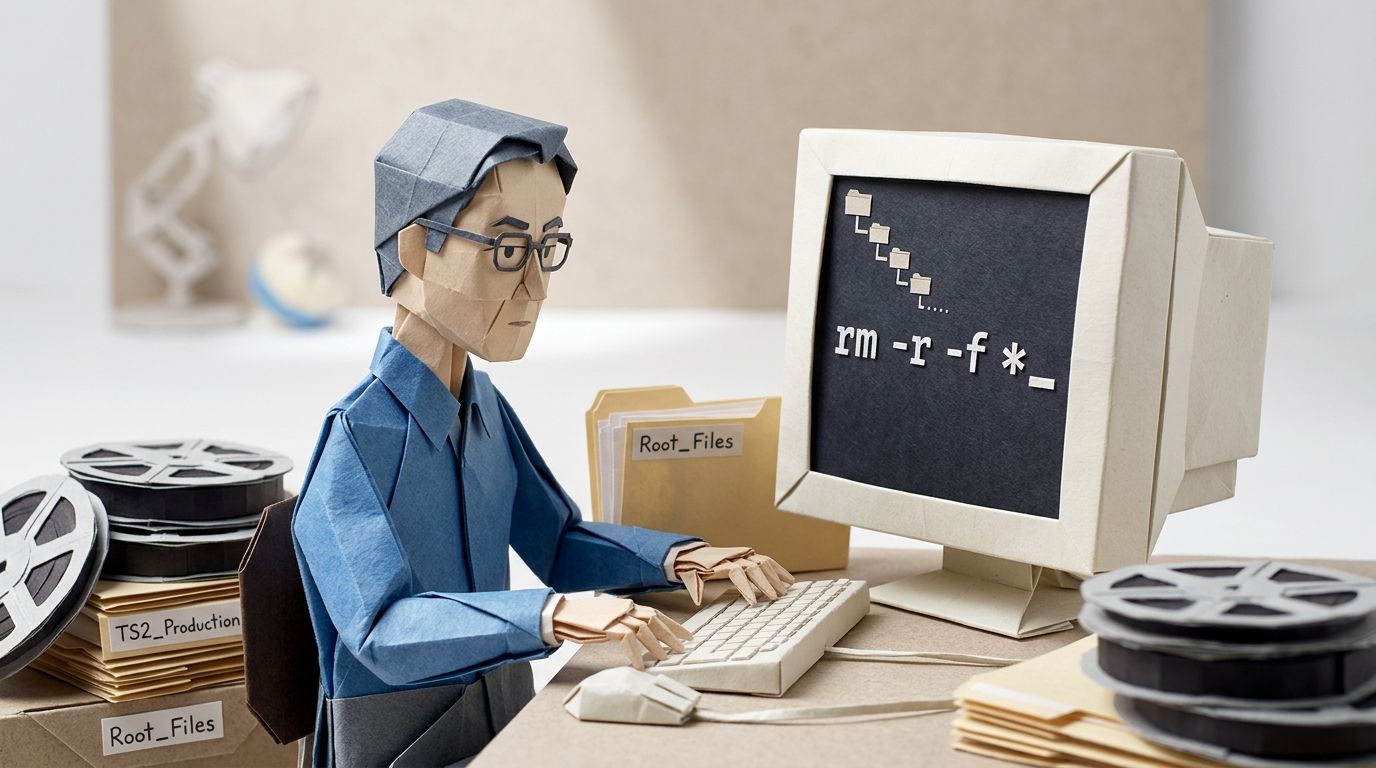
In 1998, deep in production on Toy Story 2, someone at Pixar ran a single command, rm -r -f *, at the root of the film's files. The movie started deleting itself. Woody went first, then whole sequences, and by the time someone reached the machine room to pull the power, about 90% of the film was gone. Pixar had backups, of course. They had also, without anyone realising, been broken for weeks: the tape had hit a file-size limit, and the error log that would have flagged it sat on the same full volume, empty. The film survived for one reason. Galyn Susman, the supervising technical director, had been working from home after having her son. A near-complete copy of Toy Story 2 sat on a workstation in her house... on a network the delete command never reached. Oren Jacob, an associate technical director on the film and later Pixar's CTO, told the whole story to The Next Web years later.
The copy that saved the film was the one that lived somewhere the command couldn't touch. That is the whole idea behind "content as code": a version of your work that exists outside the system that can overwrite it. For years, Customer.io gave you no such thing. Your emails, your components, your newsletters lived in the Design Studio editor and nowhere else. In spring 2026 that changed, and the same shift that lets you back your templates up also hands a script enough power to wipe them.
This post draws the line. You'll see which content operations are now addressable through Customer.io's App API, and the three jobs worth moving to it. It also covers the guardrails that stop a script from clobbering a live template, and an honest list of what to leave in the editor.
TL;DR: Customer.io opened Design Studio to code in spring 2026: emails, components, translations and folders on 18 March, newsletters on 14 April. Three jobs are worth moving to the App API: bulk migration from another ESP, template backup and repository sync, and data-driven newsletters. Everything else belongs in the editor, including authoring, design iteration and one-off sends. Two things to hold on to. The endpoints that create your templates also delete them, so split your API keys before a script touches production. And an API update lands in Design Studio, not in the message that sends. A Design Studio email is linked to one workflow, and you publish changes to push the update into that automation or broadcast.
Update (September 2026): Customer.io renamed its navigation labels on 15 July 2026. Campaigns are now Automations, People are Profiles, and Newsletters are One-time sends. The API kept every old name, so the endpoints and objects below still read campaign and newsletter in code, and nothing in this post's advice changes.
What changed: Customer.io content left the UI in spring 2026
Until spring 2026, Customer.io content was click-only. Emails, components and newsletters were built in the Design Studio UI and stayed there. Two App API releases, under five weeks apart, opened them up.
On 18 March 2026, Customer.io shipped the Design Studio endpoints. The release note is blunt about what they do: "You can now create, update, and delete emails and components in Design Studio using the App API." The same release added endpoints to add email translations programmatically, manage folders, and a set of Assets endpoints for creating, updating and deleting the images and PDFs in your asset library. One boundary comes with it: these are the dedicated endpoints for that content, and you can't update Design Studio content through the older message-related endpoints.
The Design Studio endpoint reference states the purpose plainly. The endpoints "manage emails, translations, and components made with Design Studio," and you can use them to "migrate templates from an external service."
That same reference adds a step the release note skips, and it matters. A Design Studio message is linked to a single workflow, and you publish changes to push an update from Design Studio into that automation or broadcast. Separate endpoints handle the linking and the publishing. They also stop short of two things: they won't publish changes to global styles, and they won't push an edit to a custom component out to every message that references it.
Newsletters followed on 14 April 2026. A newsletter in Customer.io is a one-time broadcast: a single message sent to a group of people. The App API now covers the whole life of one: create, send, schedule, translate, run an A/B test, and read its metrics. Those endpoints sit across a few reference groups rather than one, so expect to look in more than one place. You can create and send a newsletter in one request, or create the draft first and call the send or schedule endpoint when it's ready. Both calls take optional rate limits.
"Content as code" is the obvious phrase for all this, and it helps to be concrete about what it means. Your templates can be created and edited by script, read back out as files, and kept in a repository with version history, instead of existing only as something you clicked together. That does not mean you should run your whole content operation that way. The App API is a third surface, separate from the CLI and MCP that engineering teams already use for events and automation. Managing content with it is a different job from sending events or running an agent.
Three content jobs worth moving to the API
Three jobs are now clearly better through the API than by hand. Each shares a trait: it's repetitive, data-shaped, or it needs a copy that lives outside Customer.io. None of them is your daily authoring.
Bulk migration from another ESP
Moving from another ESP is the clearest win. A migration means recreating every template you want to keep, often dozens, sometimes hundreds, and doing that by copy-paste is slow and easy to get wrong. The create endpoints let you script it. Customer.io pitches exactly this in the 18 March release note: the endpoints help you "migrate email templates from external tools without manual copy/paste." The Assets endpoints bring your images and PDFs across in the same pass.
What the API won't do is make the modelling decisions for you. Moving to Customer.io is rarely a like-for-like port. Its data model is event- and object-native, so a template that made sense in an ecommerce-flat tool often needs rebuilding around different data: a schema rewrite, not a flow port. And the templates are one part of the wider migration a switch involves, alongside data, deliverability and journeys. The API handles the mechanical bulk. The thinking is still yours.
Template backup and repository sync
The lighter pattern, and the one most teams should reach for first, is backup and sync. You don't need full GitOps to benefit. On a schedule, read your templates back out through the API and commit them to a repository. Now you have three things you didn't have before: version history, a readable diff of what changed between any two points, and a copy that lives outside Customer.io.
That last one is the Toy Story 2 lesson in a sentence. A template that exists only in the editor is a template you can lose to one bad edit or one wrong click. A copy in a repo is a copy the editor can't reach. Reading content out writes nothing back, so this is the lowest-risk way to get value from the API on day one, and the back-up-and-sync pattern is a complete, sensible stopping point. You don't have to go further.
Data-driven and programmatic newsletters
The third job is the newsletter you'd rather generate than build. Sometimes a newsletter is really a view of your data: a weekly digest of new content, a price or stock update, a roundup assembled per segment. In that case, the newsletter endpoints let you build and send it from the data source instead of laying it out by hand each week. Pull the data, assemble the content, then create and send in one request or schedule it for the right hour.
The metrics endpoint closes the loop. Once a newsletter has gone out, you can read its performance back through the API and feed it into whatever reporting you already run, without exporting anything by hand.
What to leave in the editor
Most of your content work should stay exactly where it is. The three jobs above are the exceptions, not the new rule, and the recommendation is selective on purpose: nobody should rebuild a working editor workflow in scripts.
Day-to-day authoring belongs in Design Studio. So does design iteration. Layout, responsive behaviour and dark-mode preview all need the editor, because it shows you the rendered result and a script doesn't. The AI features that draft subject lines and build brand styles from a URL live there too, and they're a quicker first pass than anything you'd wire up yourself. One-off sends, a fast copy fix, a last-minute tweak before a campaign all go quicker with your hands on the editor than through an endpoint. The Design Studio guide covers that authoring craft in full.
Reach for the API when the work is bulk, repeatable, or needs to live in a repo. Stay in the editor for everything else.
| Job | Where it belongs | Why |
|---|---|---|
| Bulk migration from another ESP | App API | Dozens or hundreds of templates, and copy-paste is slow and easy to get wrong |
| Template backup and repository sync | App API | Read-only, and it puts a copy outside Customer.io with version history |
| Data-driven newsletters and digests | App API | The content is a view of your data, not a layout job |
| Day-to-day authoring | Design Studio | The editor shows you the rendered result and a script doesn't |
| Design and responsive iteration | Design Studio | Layout, dark-mode and preview work needs eyes on the render |
| AI subject lines and brand styles | Design Studio | Built in, and a quicker first pass than wiring your own |
| One-off sends and fast copy fixes | Design Studio | Hands on the editor beat an endpoint call |
Guardrails so a script never clobbers a live template
The same access that lets a script create a template lets it overwrite or delete one. The Design Studio endpoints include delete, and the deletes are real. Before you point any script at a production workspace, put these in place.
Separate your keys. Hold a dedicated App API key for the read-only backup-and-sync job, and keep the write-capable key with as few people as possible. A job that only exports content never needs the power to change it.
Dry-run against a non-production workspace. Test any migration or write script somewhere disposable before it touches live content. A delete you didn't mean to send is not something you can undo from the API.
Name what the script makes. Give programmatically created templates a clear, consistent name, so anyone can tell script-made content from hand-made at a glance, and so a sync job updates the right object instead of guessing.
Review changes like code. Diff a template before you apply an update, and keep your own log of what changed and when. This is the same write-access discipline the MCP enablement playbook sets out: a paper trail you control, not one you assume the tool keeps for you.
Use the rate limits. The newsletter send and schedule endpoints both accept optional rate limits. Set them, so a scripted send goes out at a pace your deliverability can carry.
Frequently asked questions
Q: Can I manage Customer.io email templates with an API?
Yes. Since 18 March 2026, Customer.io's App API includes Design Studio endpoints that create, update and delete emails and components, and add email translations. The release note puts it plainly: "You can now create, update, and delete emails and components in Design Studio using the App API." These are the dedicated endpoints for that content: you can't update Design Studio content through the older message-related endpoints.
Q: Can I create and send a newsletter through the Customer.io API?
Yes, since 14 April 2026. You can create and send a newsletter in a single request, or create a draft and call the send or schedule endpoint when it's ready. Both calls take optional rate limits, per the release note. A newsletter here means a one-time broadcast to a group of people, not an always-on campaign.
Q: Does the App API let me migrate templates in bulk?
Yes, and it's the headline use case Customer.io names for the Design Studio endpoints. The Design Studio endpoint reference says you can use them to "migrate templates from an external service," and the create endpoints let you script that instead of copy-pasting each template. Images and PDFs move across through the Assets endpoints added in the same release. Just remember the content moves more easily than the data model: expect a schema rewrite, not a straight port.
Q: Should marketers use the API or stay in Design Studio?
Stay in Design Studio for day-to-day work. The API earns its place on three jobs: bulk migration, backup and repository sync, and data-driven newsletters. Not on authoring, design iteration or one-off sends. The recommendation is selective: move the repetitive, data-shaped work to code, and keep everything else in the editor.
Q: How do I stop a script from overwriting a live template?
Hold a separate App API key for the backup-and-sync job and keep the write-capable key with as few people as possible. Dry-run any write or delete script against a non-production workspace first, and diff a template before you apply an update. The Design Studio endpoints include deletes you can't undo from the API, so treat template changes with the review you'd give code.
Q: Is the App API the same as the CLI or MCP?
No. The App API is a set of HTTP endpoints for managing content and sending messages. The CLI and MCP are separate engineering surfaces: the CLI for scripted operations from a terminal, the MCP for letting an agent act on your workspace. Pick by the job: content management through the App API, terminal scripting through the CLI, agent actions through the MCP.
Q: Which Design Studio content can the API manage?
Emails, components, email translations and folders, plus the images and PDFs in your asset library through the Assets endpoints. That's the documented set as of the 18 March 2026 release; the Design Studio endpoint reference lists the endpoints for each, and Assets has its own group. There's no separate "export everything" call: you list and read each object through its own endpoint.
Q: Can the API schedule a newsletter for a later time?
Yes. There's a schedule endpoint that sends a newsletter at a specific time, and a matching send endpoint for going out immediately. Customer.io's release note frames both as the call you make "when a draft is ready", and both accept optional rate limits.
Q: Can I pull newsletter performance metrics from the API?
Yes. There's a newsletter metrics group, so once a newsletter has been sent you can read its performance back programmatically rather than exporting it from the UI. It covers newsletter and per-variant metrics, alongside the create, send, schedule and translate endpoints in their own groups.
Q: Can I keep my Customer.io templates under version control?
Yes. Read your emails and components back out through the App API on a schedule and commit them to a repository, and you get version history and a diff of what changed. This is the back-up-and-sync pattern, and it's a valid stopping point: you don't need full GitOps or to author your templates in a repo to get the safety of an external copy.
Q: Do I have to rebuild my whole content workflow in code?
No. Three jobs benefit from the API: bulk migration, backup and sync, and data-driven newsletters. The rest of your content work is still better in the editor. The point of the App API is to cover the jobs the UI was never good at, not to replace the UI.
Q: Will a template I change through the API also change in the Design Studio UI?
Yes, and that's only half the answer. The endpoints manage your live Design Studio content, so a change made through the API is the same content you see in the editor. Getting it into a message that actually sends is a second step. A Design Studio message is linked to a single workflow, and you publish changes to push the update into that automation or broadcast, with separate endpoints for linking and publishing. Those endpoints also won't publish global-style changes, or push a component edit to every message that references it.
Q: Can the API add translations to emails and newsletters?
Yes, to both. The Design Studio endpoints let you add email translations programmatically, which the 18 March 2026 release note calls out directly, and the newsletter variants group carries the language endpoints for translating a newsletter.
Sources
- Design Studio endpoints. Customer.io App API reference.
- App API reference. Customer.io Docs.
- Import content into Design Studio using our new API endpoints. Customer.io Release Notes, 18 March 2026.
- Create and send newsletters via API. Customer.io Release Notes, 14 April 2026.
- How Pixar's Toy Story 2 was deleted twice, once by technology and again for its own good. The Next Web, 21 May 2012.
Want this working in your Customer.io workspace?
It's what we do all day for SMBs—strategy, automations, deliverability and hands-on execution.
See how we work as a Customer.io agency →

